
PROJECTS & ORGANIZATION
Move Tasks With
Your Keyboard
Reorganize tasks without touching your mouse
QUICK MOVE (CMD+SHIFT+M)
Instant Task Organization
The Move Dialog lets you reorganize tasks using only your keyboard. Press Cmd+Shift+M to open the dialog, type to search for your destination project or area, and press Enter to move. It works with single tasks or bulk selections. Instead of dragging tasks around with your mouse, you can move hundreds of tasks in seconds by typing their destination. It's the fastest way to reorganize your workflow.
Quick Move (Cmd+Shift+M): Move tasks without dragging.
PACHINKO-019 / QUICKMOVE.PNG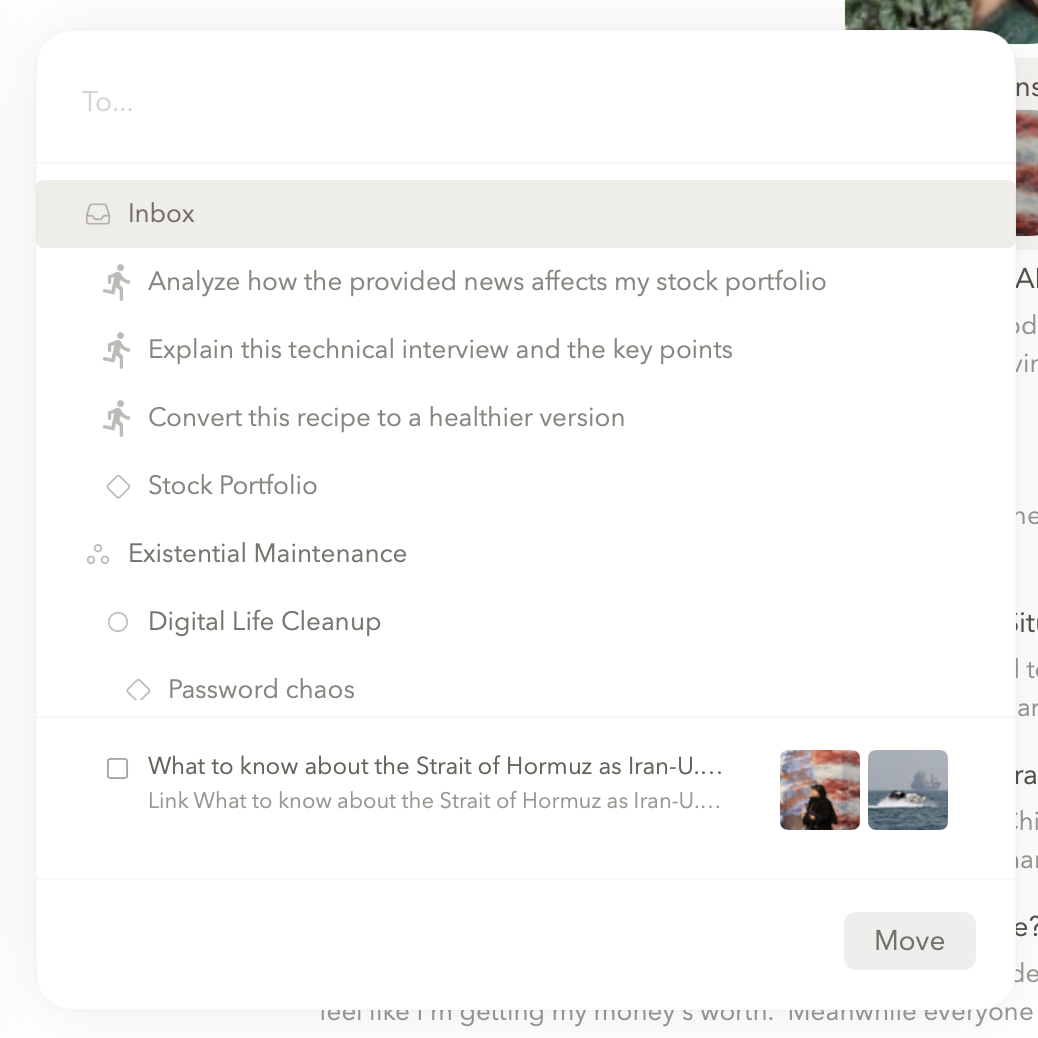
The fastest way to organize tasks is to never use your mouse.
← Back to Support