

Q1 Earnings Transcripts
Calculate portfolio impact
Finance › Portfolio
The task manager
that works nights.
Pachinko moves your work forward by pulling helpful, new information from the feeds you curate, while you sleep.
Another todo and notetaking app?
No. This one works nights.
What can Pachinko
do for you?
feeds + functions
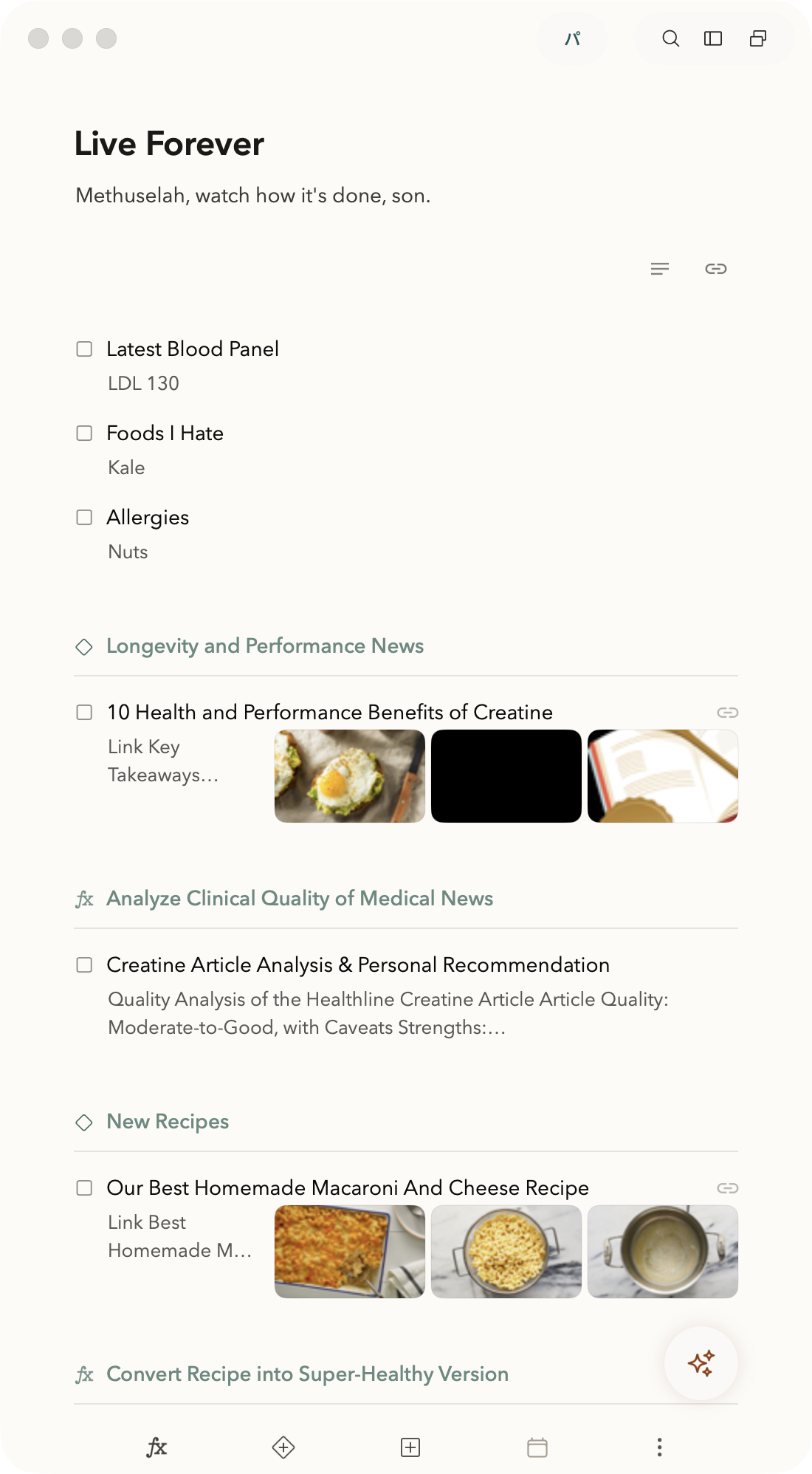
The morning news arrives; a Function reads it against your portfolio and files a note on what changed. New trend data lands; another drafts tweets in your voice. That's a pipeline - a Feed chained into a Function - and it runs on its own. You review output that shows up already started.
Chat waits for a question. Pachinko responds to change.
feeds
Most of what you act on starts outside your task app: news, mail, transcripts, bookmarks, reports. Pachinko brings it in - clip things by hand, or schedule Feeds that import them for you.
collect-and-copy
Clip a note, a link, or a whole webpage into your inbox from any app, in one keystroke.
feeds
Feeds import on a schedule - X bookmarks, YouTube transcripts, RSS, PDFs, market sources - and each run lands as notes in the section you chose.
ready-made feeds
 YouTube
 X
X SEC Filings
 FRED
FRED US Government
 US Weather
 RSS
RSS PubMed
 arXiv
arXiv GitHub Trending
 Strava
powerups
Ready-to-go feeds, instructions, and rules. Import one of 11 Powerups, swap in your context, and it runs like you built it yourself.
Discover Powerups →
functions
A Function is an instruction you write once, in plain English, and run forever. Pin the context that should shape the answer. Write what you want done - draft, flag, revise, analyze. Then run new material through it: the results land back in your workspace as notes, drafts, warnings, and next steps you can act on.
Turn what you collect, into what you create.
 01 02 03 04
 context
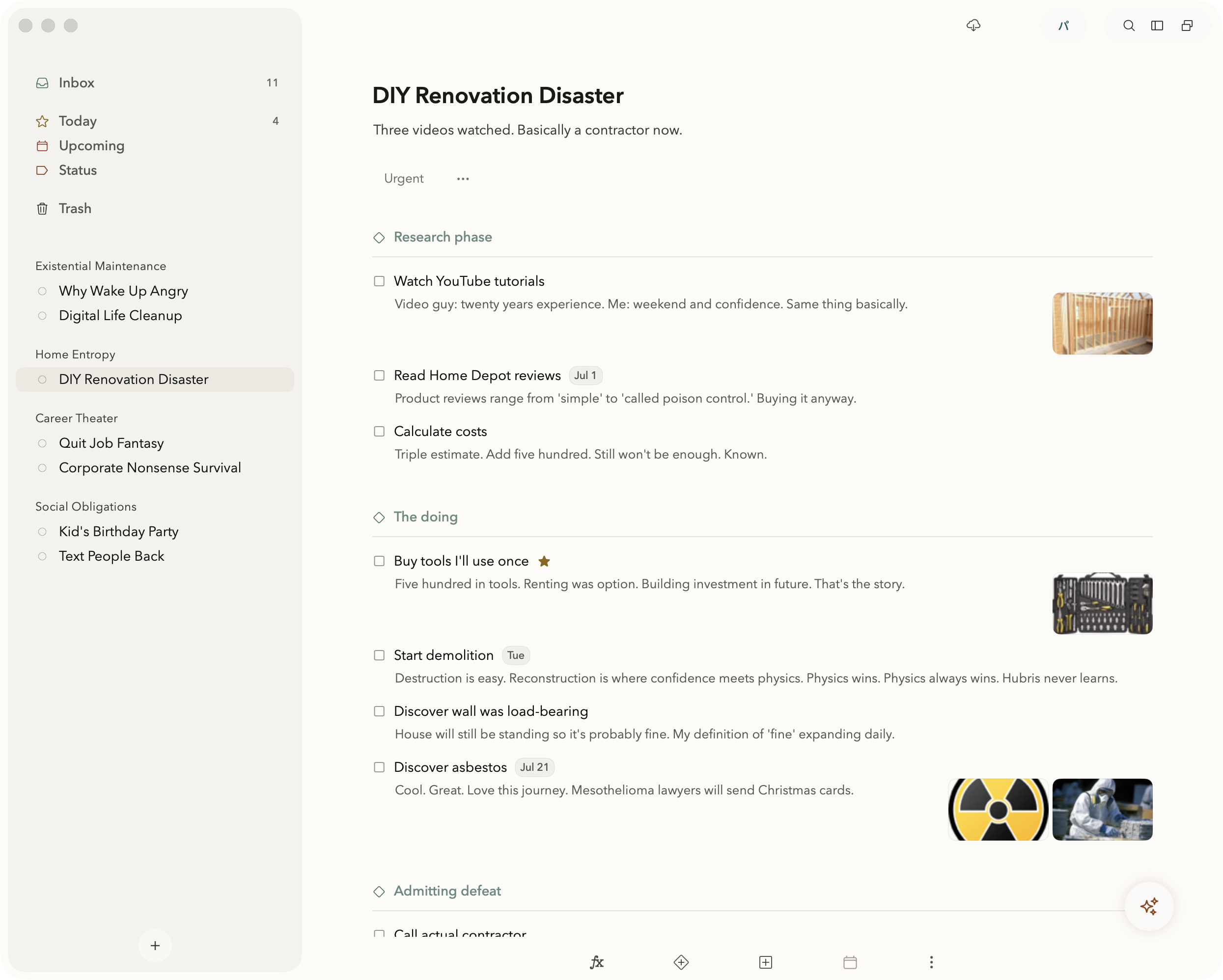
Easily set up areas and projects. Add tasks, notes, and deadlines - the same system you'd keep in Things or Bear. In Pachinko that structure is also context: it's how AI knows what matters to you when new information shows up or you want to guide AI without having to type a huge prompt every time - with privacy control.
upgrade 

mcp
Claude Code, Codex, Cursor, and other MCP clients can discover visible project material, use context you provide, create sections, create notes, move work, and queue Functions.
Explain MCP →
Every AI you connect can work from the same memory: the projects, notes, and preferences you choose to make available from Pachinko.
ai memory + privacy →World-class tasks and notes
Imagination is nothing without execution. Pachinko is a serious task and project system, built to carry your ideas to completion.
upgrade 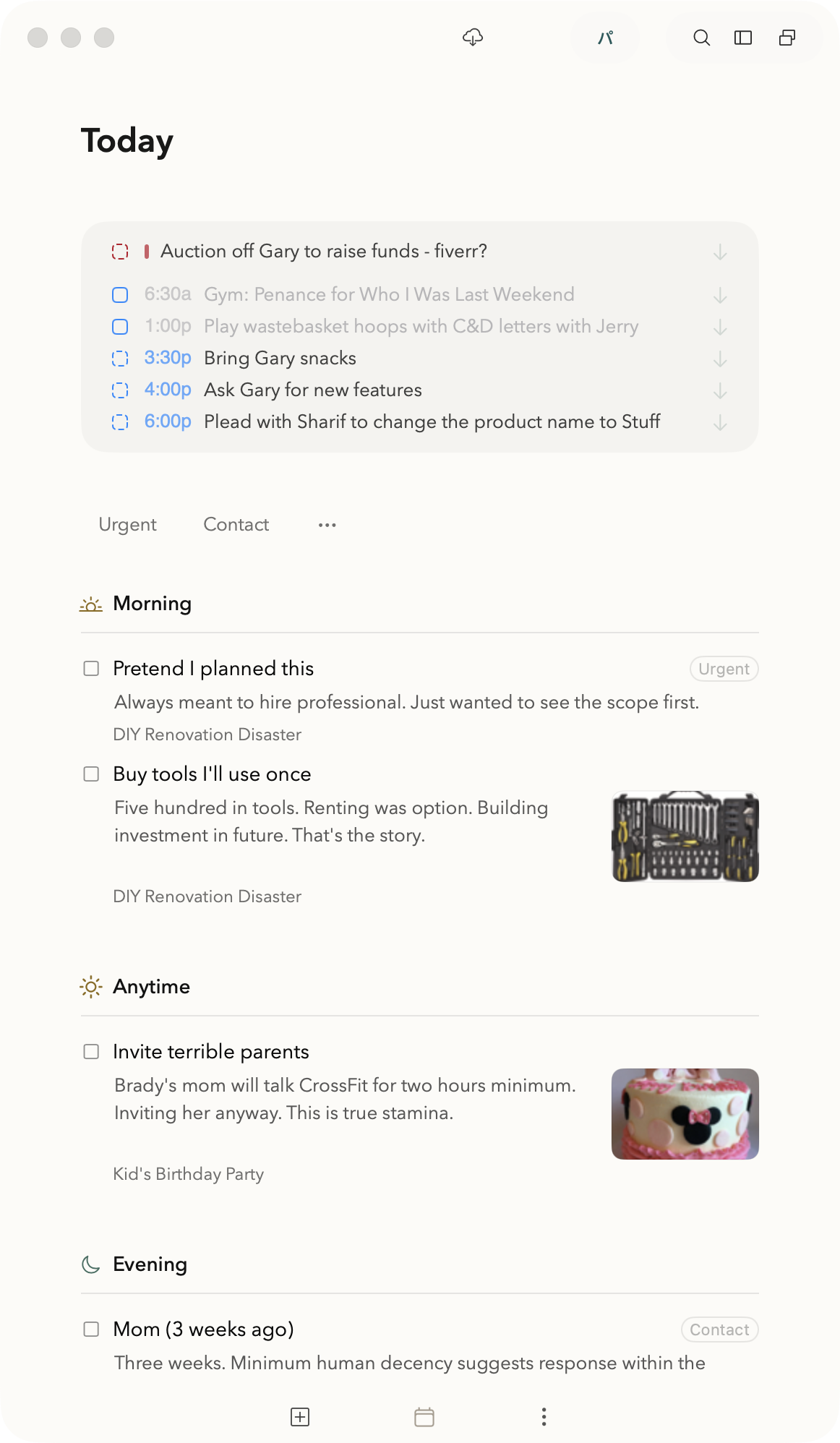
for agents
Semantic search is how AI finds things in your notes through MCP or you do through Chat. Beyond simple keyword matching, semantic search is able to find passages that are related by meaning. No more hunting for the right note or pasting it in - all your notes, whether a thousand or ten, become a powerful personal knowledge base.
privacy
Pachinko is built around local control, iCloud sync, and explicit choices about what AI can see.
iphone & ipad
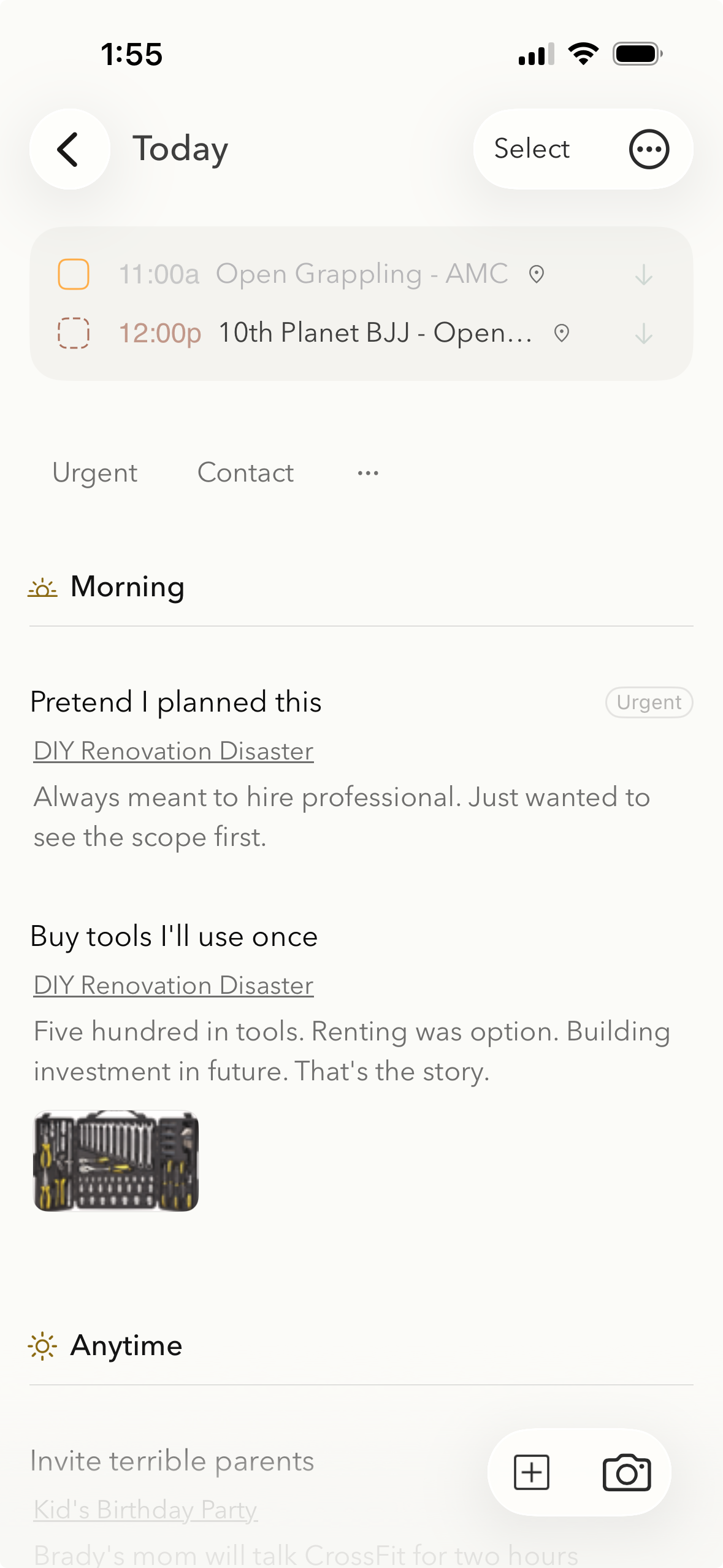
Carry Pachinko everywhere you go: calendar events, filters, rich notes with images, Functions, and even capture straight from the camera. Free on the App Store, synced over iCloud.
pricing
Download the macOS, iOS, and iPadOS apps for free. Tasks, notes, projects, capture, sync, imports, and privacy are included.
Start a 7-day free trial to unlock AI functions, feeds, chat, themes, and MCP, using your own ChatGPT or Claude account.
the word