
QUICK CAPTURE
Capture Tasks Instantly
from Anywhere
One keyboard shortcut from anywhere. Type your task. Done. Back to what you were doing.
Ctrl+Space anywhere. Type. Done.
HOW QUICK NOTE WORKS
Quick Note: Instant Task Capture
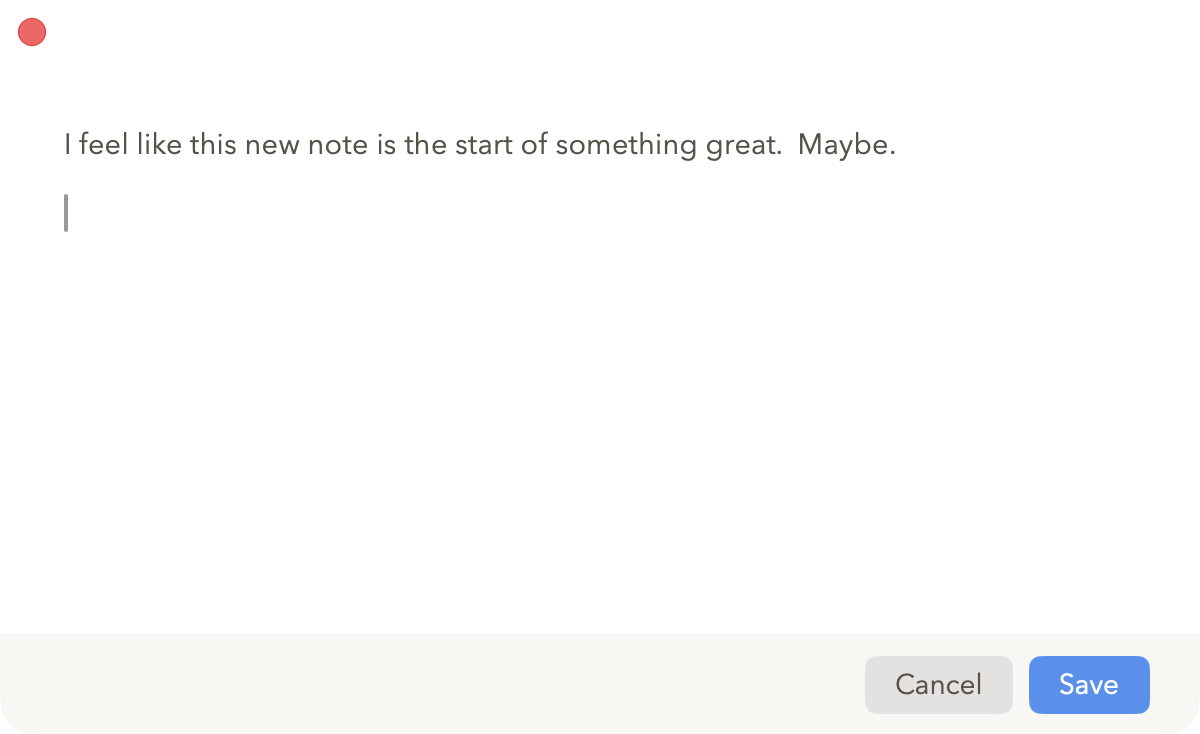
Quick Note lets you capture tasks without switching to the Pachinko app. Press Ctrl+Space from anywhere on your Mac, type your task, hit Save, and the window disappears. Your task lands in your Inbox, and you're back to whatever you were doing - all in seconds.
The key is reducing friction. When a task pops into your head, you don't want to switch apps, find the right list, and break your concentration. Quick Note removes all that - just keystroke, type, done.
You know it's a good feature when Gary and I use it the same way.